Skip to content

Fujifilm X Shooter Magdalena Wasiczek Wins International Garden Photographer of the Year Award (XF80mmF2.8 Macro)
Fujifilm X shooters have won plenty of the most prestigious awards over the years using their X and GFX gear.

Not enough? Well, then know that photographers using Fujifilm cameras also…

  • won the world wildlife photography award (story here)
  • made the cover of the TIME magazine (story here)
  • won the World Photography Arts&Culture Award 2015 (story here)
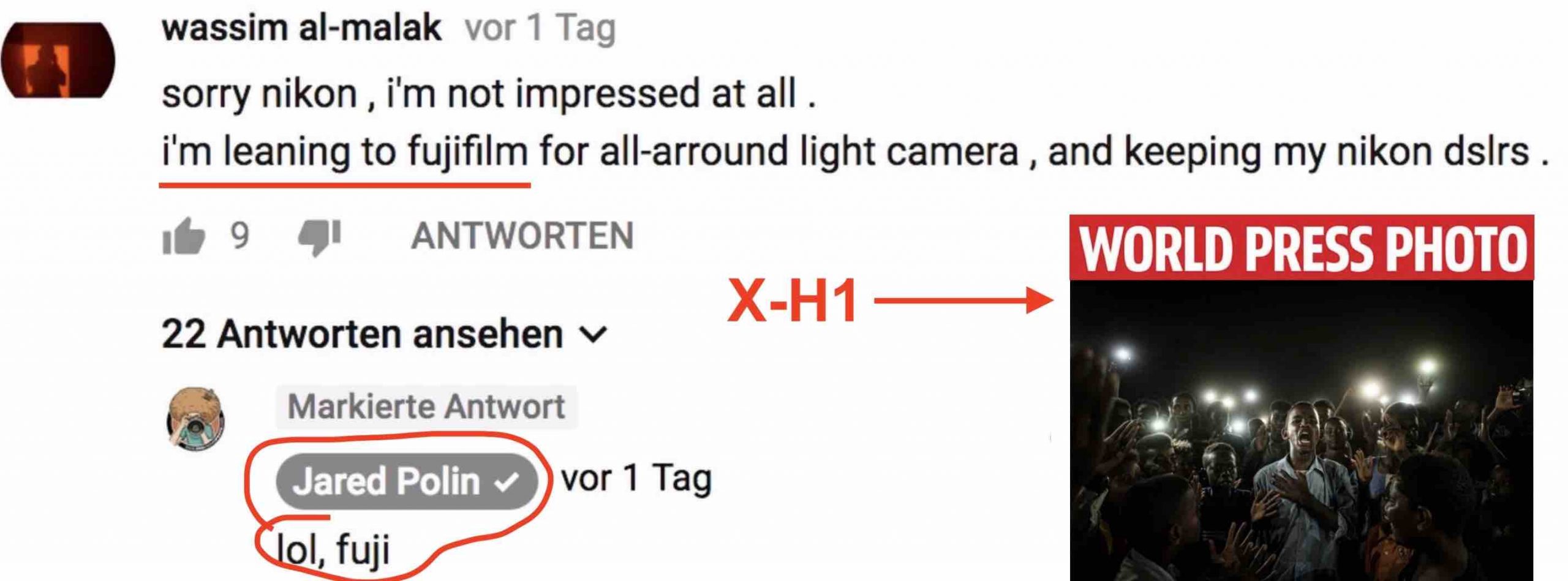
  • won the First Prize of the World Press Photo Category “Stories (stroy here)
  • made the front page of the Wall Street Journal (story here)
  • were good enough for God’s work (story here)
  • captured America’s most hated man (story here)
  • distracted a French presidential candidate during his interview (story here)

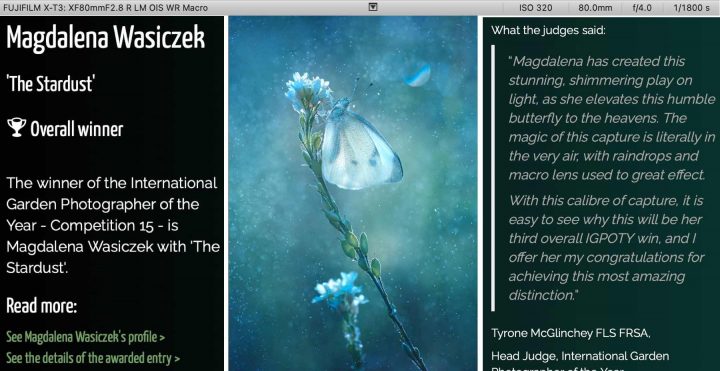
One of the most recent entires in the awards list is the one of Fujifilm X shooter Magdalena Wasiczek, who won the International Garden Photographer of the Year Award (IGPOTY).

She used a Fujifilm X-T3 with the insanely sharp XF80mmF2.8 macro (a lens that I also own).

The judges write:

Magdalena has created this stunning, shimmering play on light, as she elevates this humble butterfly to the heavens. The magic of this capture is literally in the very air, with raindrops and macro lens used to great effect.

With this calibre of capture, it is easy to see why this will be her third overall IGPOTY win, and I offer her my congratulations for achieving this most amazing distinction.”

Congratz to Magdalena! You can check out all the details and see the image in full size at igpoty here.

But wait, there is more!

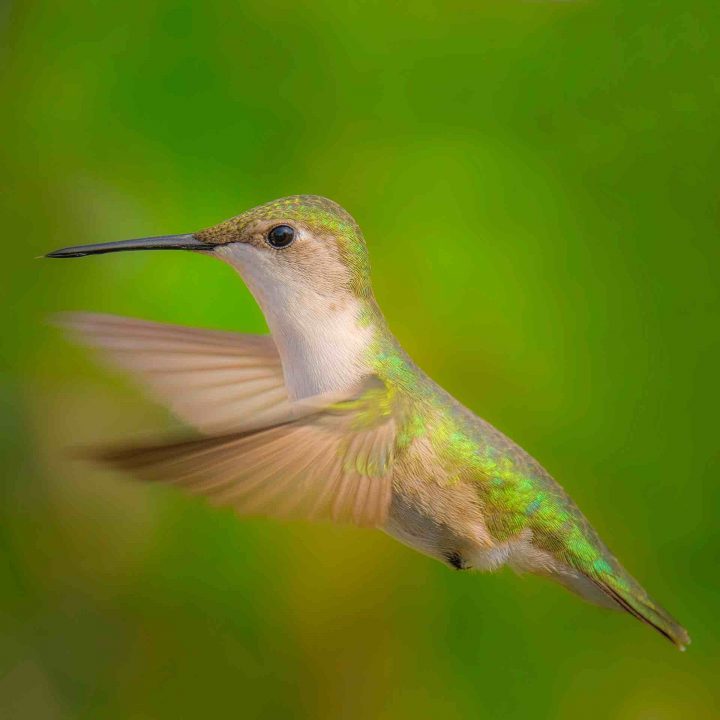
Also John Pettigrew made it among the finalists in the wildlife in the garden category with an image taken with X-T30 and XF55-200 (image below).

Hey Mr. Polin… are you really sure about that Fuji, LOL? ;)
Top 10 Fujifilm Camera Flops (and Errors to Avoid in Future) :: Tons of Firmware Updates :: Sigma X Mount Lenses :: Top 10 February Posts

Pre-Orders

Here are the top 10 articles for February.

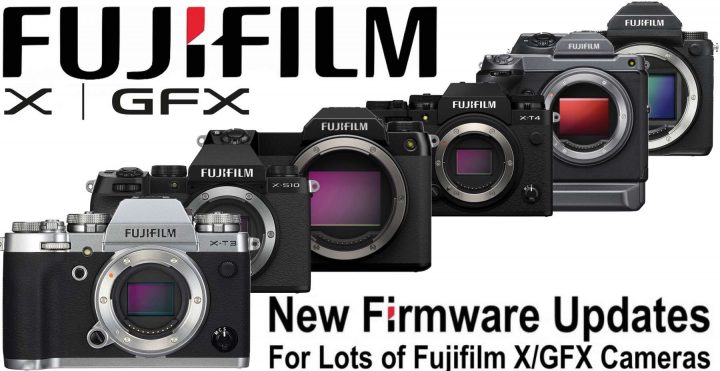
  1. Fujifilm Releases Firmware Updates for X-T4, X-T3, X-S10, GFX100S, GFX100 and GFX50S
  2. Top 10 Fujifilm X Camera Flops and 10 Errors Fujifilm Should Avoid in Future
  3. BREAKING: Sigma to Launch Three X mount Autofocus Lenses Soon
  4. BREAKING: Sigma X Mount Lenses to be Announced in February
  5. Sigma vs Zeiss Touit X Mount: Why Sigma is Not Making the Same Error Zeiss Did
  6. RUMOR: These are the First Three Sigma X Mount Autofocus Lenses
  7. Important Notice: Firmware Bug on Fujifilm X/GFX Cameras can Block Access to Files Saved on SD Cards (Fix Coming Shortly)
  8. Sigma 18-50mmF2.8 for Fujifilm X Currently Under Development
  9. Fujinon XF23mm f/1.4 R LM WR Reviews, XF70-300 vs XF100-400, Hands-on with XF33mmF1.4 and XF27mmF2.8 R WR and More
  10. Fujifilm Firmware Updates for X100V, X-E4, X-Pro3, X-T30II, GFX50R, GFX50SII

Also do not miss:

And last but not least:

Follow FujiRumors on Patreon, Facebook, Instagram, RSS-feed, Youtube, Flipboard and Twitter

40K+ Members in Record Time and Growing Faster than Ever!

Join Our Owners Groups

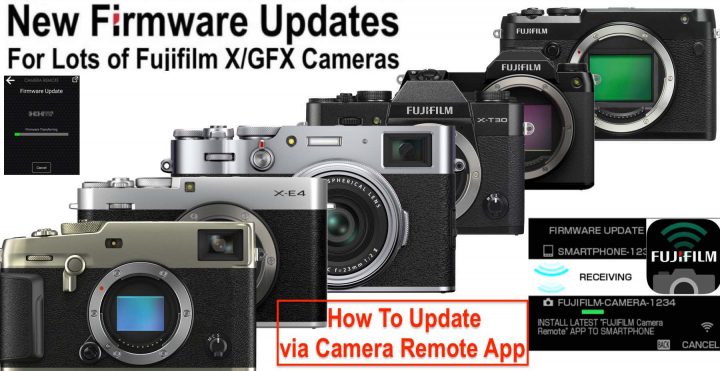
Fujifilm X/GFX New Firmware Updates Released and How to Update (Panic-Free) via Camera Remote App

Earlier today Fujifilm has released firmware updates for six Fujifilm X and GFX cameras. You can read all details and access the download links here.

According to a survey we have launched recently, most of you guys prefer to use the good old-fashioned SD-Card way to update your gear.

Personally I’ve switched to updating via camera remote App. The reason is simple: it’s much faster, easier and convenient than updating via SD-Card.

So I definitely recommend to give it a try.

But how does it work?

Well, Fujifilm has given precise instruction on how to do it, but there is one thing that should be mentioned in addition to Fuji’s instruction to avoid updating via App becomes a frustrating experience.

Don’t make the error to connect your phone to the camera the same way you do it when you want to transfer images from your camera to your phone (hence connect via Wifi and fiddle around with the App and Camera to establish a connection).

Nothing of all that is needed.

You can simply leave your camera in live view. Just make sure that it has Bluetooth enabled. Everything will happen automatically and needs just few clicks once you have downloaded the firmware file on your phone.

So the process looks like this:

  1. make sure Bluetooth is enabled on your camera and on your smartphone
  2. download the firmware for your camera on your smartphone
  3. once downloaded, click “update” on your phone first and then “OK” on your camera
  4. you camera will ask you to connect via WiFi to your phone. Click “Connect” on your phone [in my video below you read “verbinden”, which is the German word for “connect”]
  5. once connected via Wifi, your phone will start to transfer the firmware file to your camera
  6. as soon as your camera has received the full file, it will automatically start with the firmware update [you don’t need your phone anymore once the firmware upgrade started on your camera]
  7. switch off the camera when the camera tells you to do so

It’s very easy, and for your convenience I have made a short video that shows the process down below.

Many are afraid that there could be issues due to network instability or what not. But don’t worry about that. You only need Wifi connection to quickly transfer the firmware file from your phone to the camera. The firmware update itself is performed by your camera independently only once it has received and saved the full firmware file from your smartphone to its own memory. So don’t be afraid of losing connection with the phone during the firmware update itself. Your camera is doing its stuff by its own at that point and the smartphone is not needed anymore.

Remember:

  • use a fully charged battery on your camera
  • updates are cumulative, so no matter what firmware update you currently have on your camera, you can right away update to the latest version (hence skip intermediate firmware updates)

Voigtländer Nokton 23mmF1.2 X Additional Specs and Images

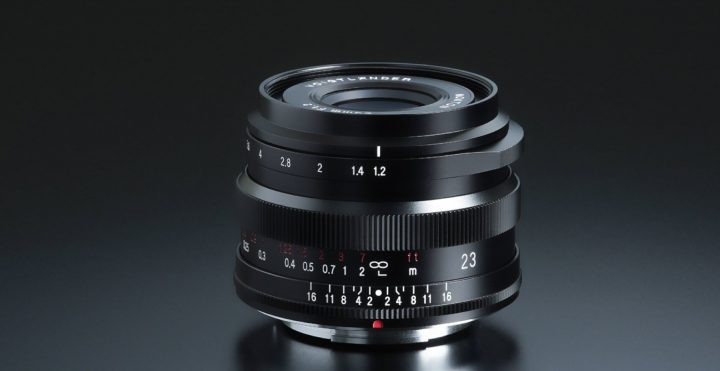
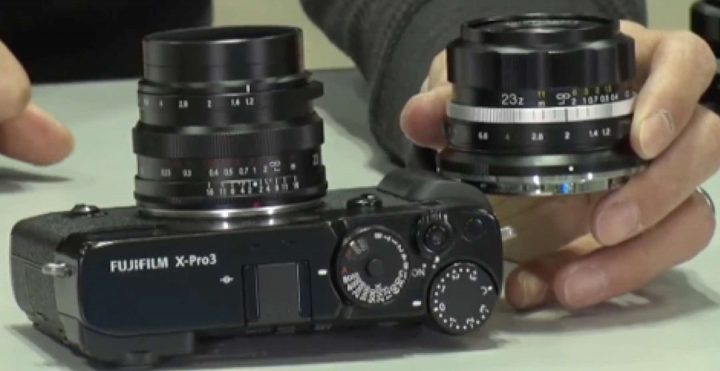
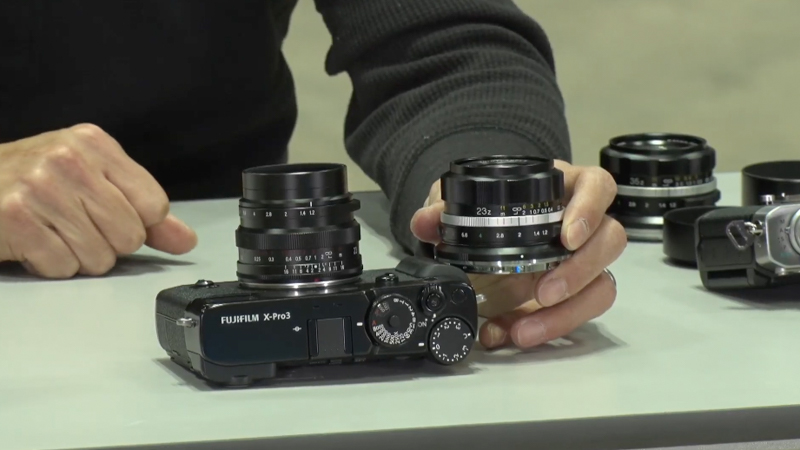
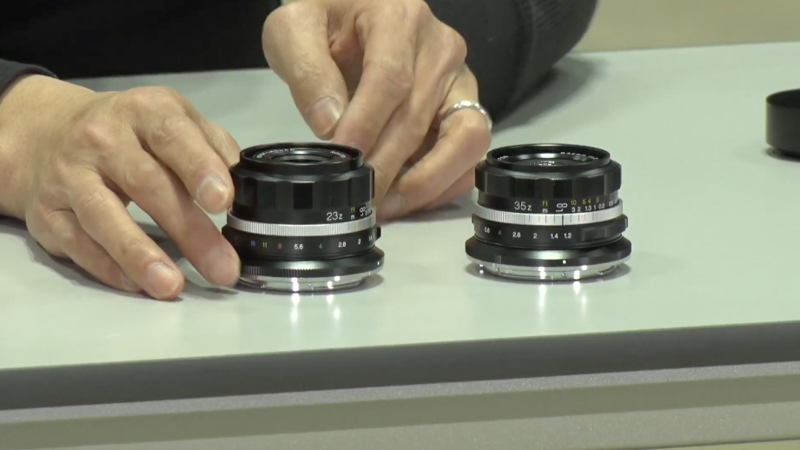
Yesterday we reported how Cosina, in addition to the current Voigländer Nokton 35mm f/1.2 X, is about to launch also the Voigländer Nokton 23mm f/1.2 X.

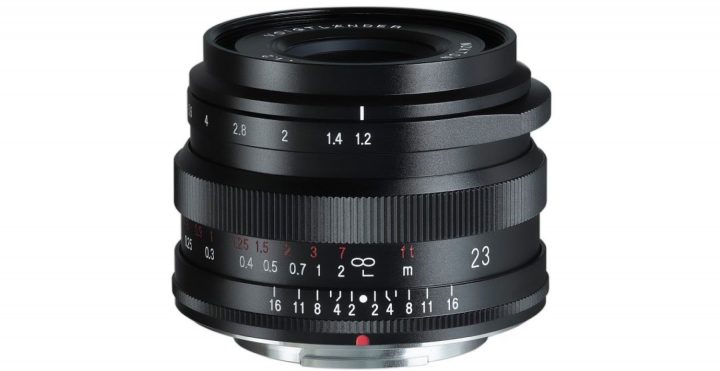
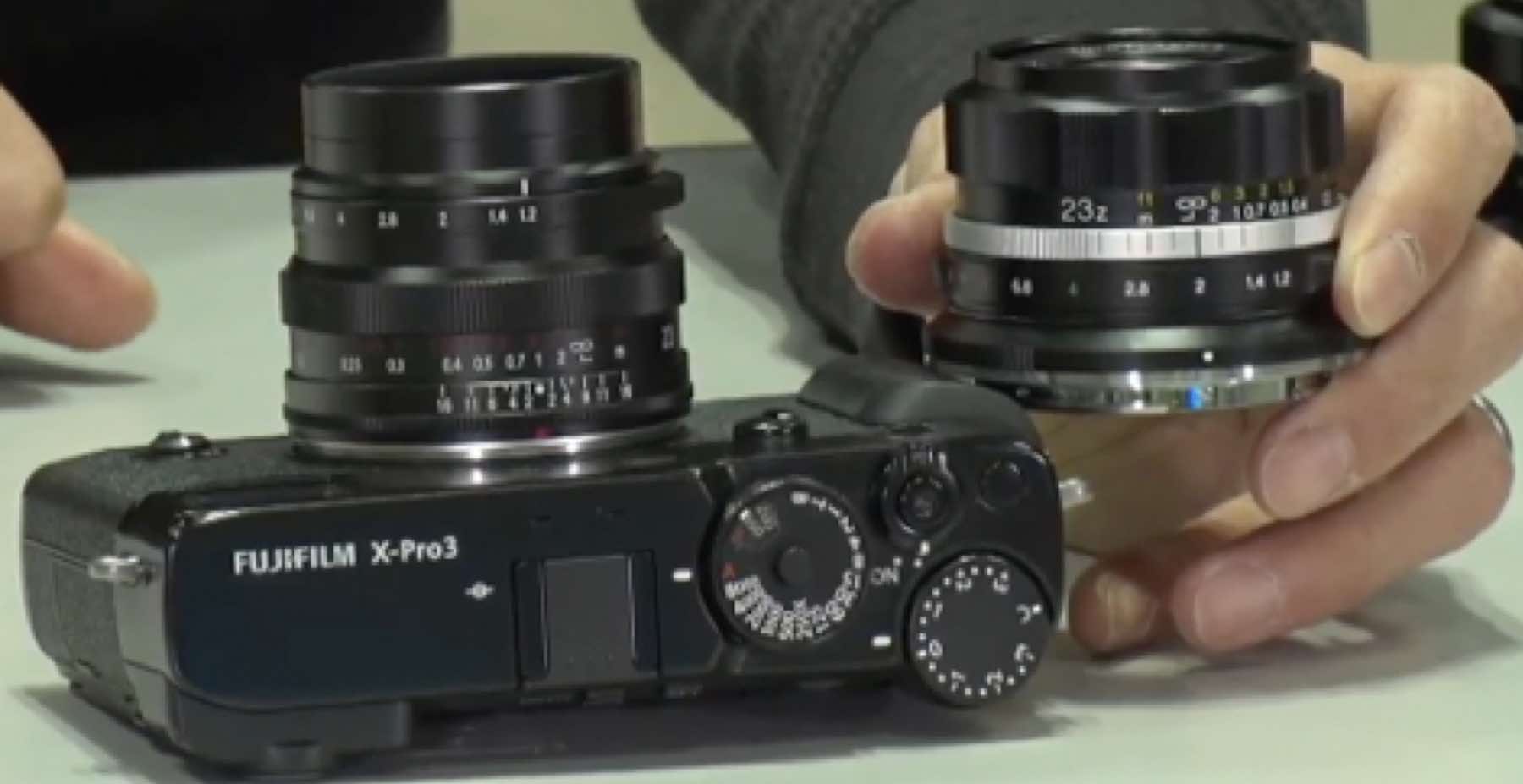
Now Cosina has published the main specs and a new product image (see above) of this lens at their website in Japanese, which I now report here on FujiRumors machine translated.

A large aperture quasi-wide-angle lens with the latest optics using one double-sided aspherical lens and two abnormal partial dispersion glass. Although it is a compact size, it has excellent resolution from the aperture opening, and large blur due to the large aperture of F1.2 can be obtained.

Just as the 35mm version, also this one has electronic contacts to transfer certain information such as EXIF data.

I love the look of this lens, and actually also of the Voigländer Nokton 35mm f/1.2 X. And although I am tempted to get one, I so far have not treated myself with one, since I’d pay for features (the electronic contacts) that do not work on my Fujifilm X-E3.

This is why I got the much more affordable TTArtisan 23mm f/1.4, which you can see attached to my X-E3 here.

At the bottom of this article you will also find which Fujifilm X cameras are currently supported.

Specs & Supported Cameras

** CLICK HERE to Read the Rest of the Article **

New Voigtländer Nokton 23mm f/1.2 for Fujifilm X Coming Soon

Voigtländer Nokton 23mmF1.2 X

Last year, Cosina launched the Voigtländer Nokton 35mmF1.2 X, with no autofocus, but with electronic contacts which allows for transfer of EXIF data and more (more details at the bottom of the article).

Now Cosina will also launch the Voigtländer Nokton 23mm f/1.2 APS-C lens for Nikon Z and Fujifilm X mount.

Also in this case, there will be electronic contacts but not autofocus.

It’s nice to see that Cosina understands us Fujifilm X shooters (or most of us) better than what Sigma does, and did put the effort to design the X mount version with an aperture ring. I wish the new Sigma X mount trinity would have an aperture ring too. But it’s no dealbreaker in my eyes. I shot my 27mmF2.8 without aperture ring for long and with great joy (but I replaced it now with the new XF27mmF2.8 with aperture ring).

For me, shooting Fujifilm is not only, but also about the experience. This is also the reason why I got the TTArtisan 23mm f/1.4. It’s the look and feel of it, attached to my X-E3 or X-T4, that simply makes me enjoy shooting with it every now and then.

And surely the new Voigtländer NOKTON lenses for Fujifilm X hit the same nerve, with a lovely vintage design and the bonus of electronic contacts that make it an appealing option for X shooters.

Personally, though, the Voigtländer options is not on my radar, because my Fujifilm X-E3 camera is not supported (yet). The full list of supported X series cameras can be found at the very bottom of this article.

New from Sigma

via dc-watch and digicame-info.

Follow FujiRumors on Patreon, Facebook, Instagram, RSS-feed, Youtube, Flipboard and Twitter

The Fastest Growing Fujifilm Group

Join Our Owners Groups

Voigtlander NOKTON 35mm F1.2 X – Important information regarding data communication: There are restrictions associated with different camera models.

  • Transfer of EXIF data possible  – (note * 1) (note * 2)
  • Focus magnifier (focus peaking) –  possible Distance display possible
  • Distance display – possible
  • Image stabilization – possible on all models with an image stabilization
  • function Parallax compensation – only possible with X-Pro3 Body

Communication compatible models und Firmware (note *3)

  • Body Firmware X–H1 v1.10 or later
  • X-T4 v1.00 or later
  • X-T3 v1.00 or later
  • X-T2 v4.10 or later
  • X-Pro3 v1.00 or later
  • X-S10 v1.00 or later
  • X-E4 v1.00 or later
  • X-T30 v1.00 or later

Top 10 Fujifilm X Camera Flops and 10 Errors Fujifilm Should Avoid in Future

Top of the Flops

We did talk about the top 10 most important cameras of Fujifilm in the last 10 years.

But not all was successful that Fujifilm did.

So why did some cameras fail?  Bad timing? Bad specs? Too strong competition? Killed by Kaizen? Complicated usability?

Let’s look into it today, because knowing the errors of the past, will help to avoid to make the same errors in future.

Let’s start!

** CLICK HERE to Read the Rest of the Article **

Important Notice: Firmware Bug on Fujifilm X/GFX Cameras can Block Access to Files Saved on SD Cards (Fix Coming Shortly)

Press Release

Feb.2.2022 
FUJIFILM Corporation

FUJIFILM Corporation has identified a firmware incompatibility between specific X and GFX series cameras listed below. This incompatibility can result in macOS users being unable to directly access files if they were initially saved to SDXC memory cards in-camera.

To address this anomaly, Fujifilm is creating a firmware patch, which is expected to be available for free download by X Series and GFX System users soon.

In the interim, please review the following information carefully for further information and recommended next steps.

I. Firmware Incompatibility Overview

** CLICK HERE to Read the Rest of the Article **