WINTER CHROME: Embrace the Cold Season with This New Fujifilm Film Simulation Recipe


Today we’d like to bring you a new film simulation recipe created by Guillaume Couet at our 144K strong film simulation group.
The recipe is called “Winter Chrome“, it’s getting tons of likes and positive comments and some have already saved it on their camera to use during winter time.
Since not everybody is on Facebook, I’ll share the recipe here:
- WINTER CHROME
- Film Sim: Classic Chrome
- Grain: strong/small
- Color Chrome effect: strong
- Chrom FX Blue: off
- WB: K-7500
- Dynamic Range: DR400
- Highlight: -1
- Shadow. -2
- Color: +2
- Sharpness: -1
- Noise reduction: -4
- Clarity: 0 (note: you can keep Clarity 0 for the camera to process faster and add negative clarity in post, or add negative clarity right in the camera)
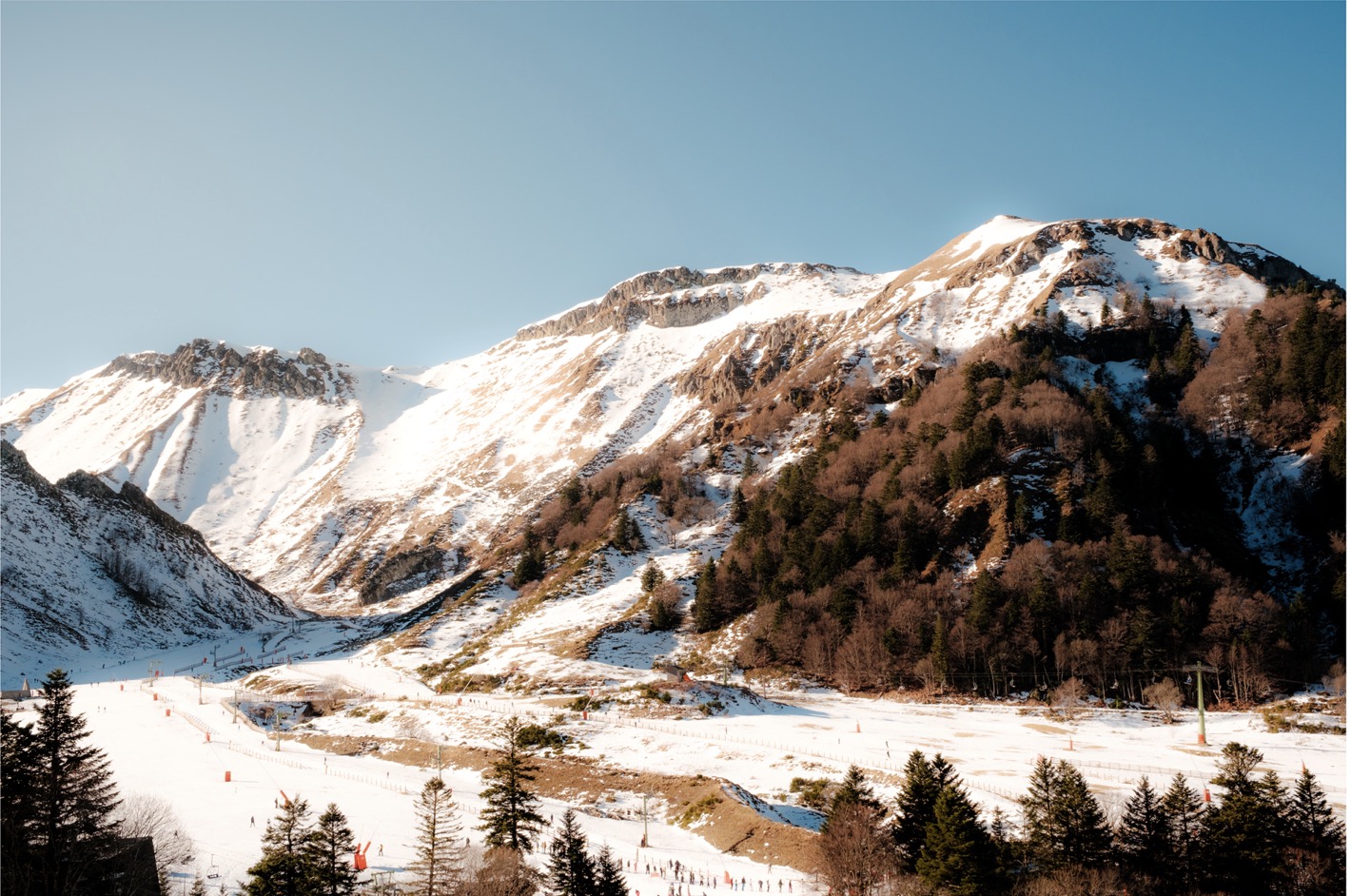
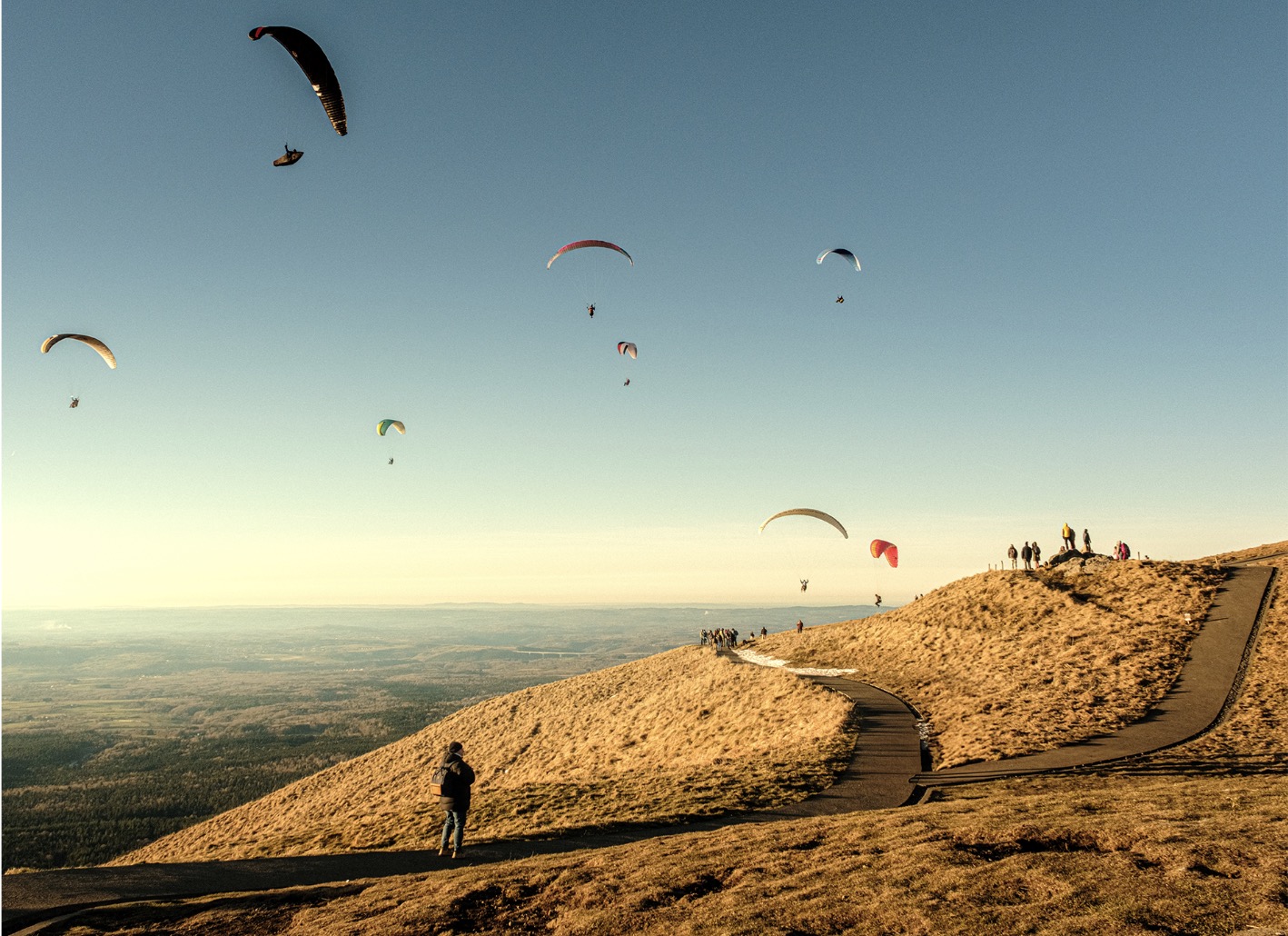
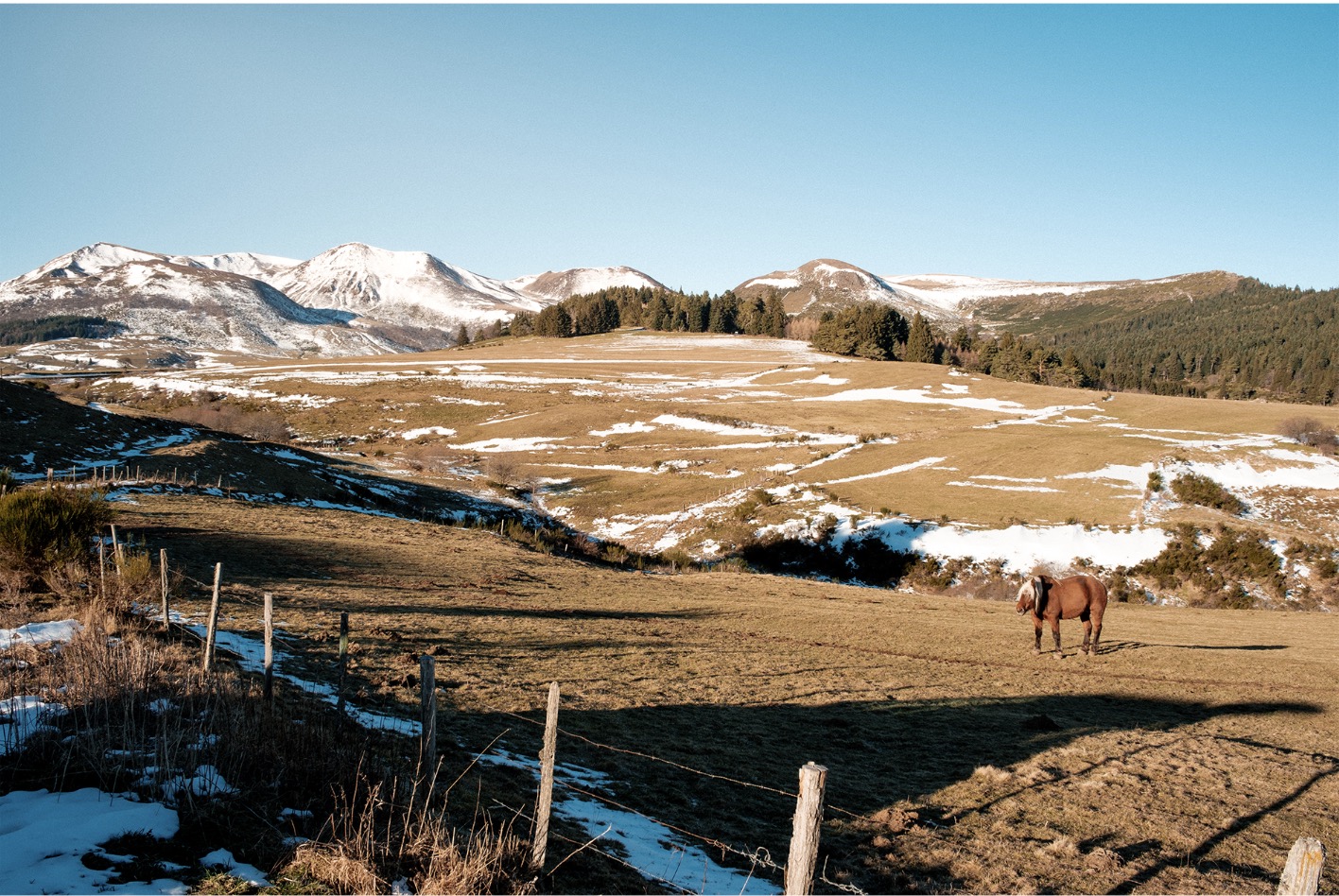
You can see the images taken with Winter Chrome here and also below.
Other Film Simulation Recipes
- Meet FRGMT BW – Fujifilm’s First ‘Official’ Film Simulation Recipe
- WINTER CHROME: Embrace the Cold Season with This New Fujifilm Film Simulation Recipe
- KODAK EKTAR 100 Film Simulation Recipe – Reinventing Color with FUJIFILM
- Film Pastel – A Lovely New Film Simulation Recipe
- This Recipe is Taking the Fujifilm Community by Storm – Classic Cuban Neg
- New “Hollywood Night” Film Simulation Recipe
- “Forgotten Negative” Film Simulation Recipe
- My Fujifilm X-E5 is Shipping… and These Are the 3 Film Simulation Recipes I Will You Put on the Dedicated Dial (for Now)
Images